AI quota guides · macOS 14+
See remaining Antigravity quota without reopening settings.
Want to know whether Antigravity has enough quota for the next task? Mana Rings puts its remaining model-group quotas in the macOS menu bar, alongside the other AI tools you use.
Download Mana for MacUse the AI tools already set up on this Mac. No additional Mana sign-in.
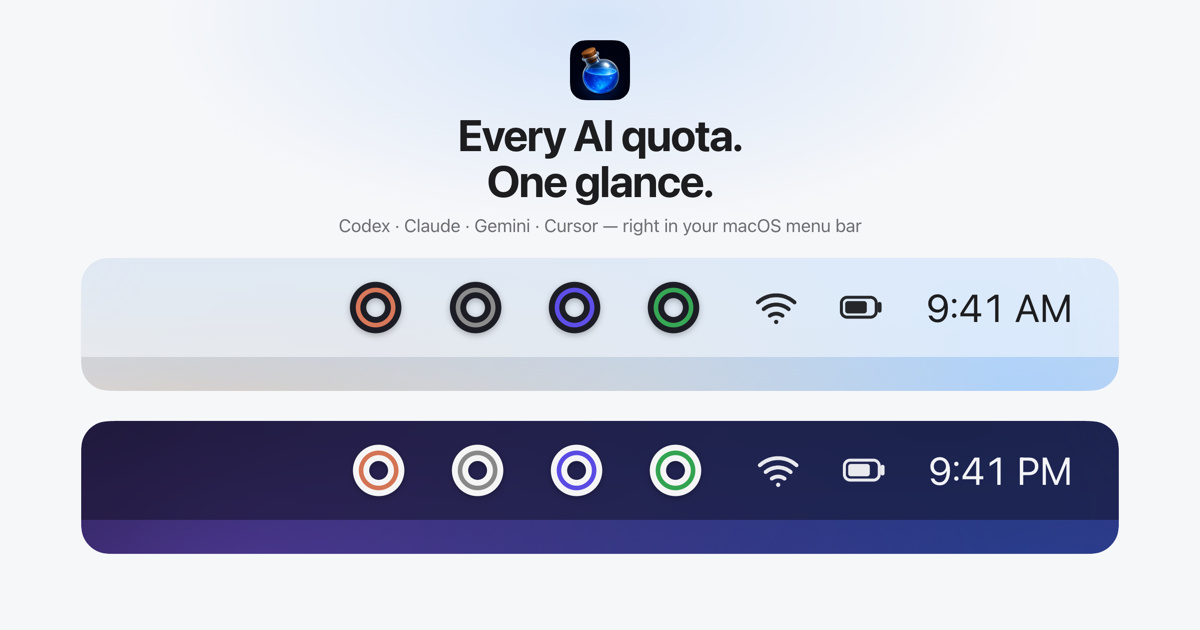
Keep Antigravity remaining quota visible while you work
Opening settings or a quota panel repeatedly takes you away from the task at hand. Mana keeps a small visual indicator in the menu bar, so you can glance at your remaining allowance before asking an agent to begin a larger job.
See up to two quotas per provider right in the menu bar. No clicks needed. Antigravity can report several model quota buckets. Mana groups the supported buckets into Gemini and Claude signals, using the lowest remaining fraction within each group. The rings give you an overview; the available values depend on the account and what Antigravity reports.
What does the Antigravity quota monitor show?
- Remaining percentage for supported Antigravity model groups.
- Separate selected values represented by the inner and outer rings.
- Reset information in the menu when available.
- Other supported providers next to Antigravity, with a different color for each provider.
These are the provider's reported quotas, not a prediction of how many prompts a task will require. Mana does not increase quota, promise a particular reset schedule or automatically choose a model for you.
How to check Antigravity quota with Mana
- Download Mana on the Mac where Antigravity is already installed and set up.
- Drag Mana into Applications and open it. Mana discovers the local Antigravity installation and uses its existing session.
- Select the available quota values to display. Open the menu for the details and reset information.
No additional Mana account or login is needed. Mana checks usage without sending a prompt or running a model, so checking quota does not consume model tokens. Vendor credentials are not uploaded to a Mana server.
Questions about Antigravity quota tracking
Will it work if I only use a Google account in my browser?
A website-only login is not enough. Mana needs the supported local Antigravity setup on the same Mac. When that setup already exists, you do not need a separate sign-in through Mana.
Is Antigravity quota the same as Gemini CLI quota?
Mana treats Gemini and Antigravity as separate providers, using their respective local setup and quota data. Do not assume that a balance visible under one provider is interchangeable with the other.
Can I see Antigravity, Claude and Codex in one place?
Yes. Mana supports Antigravity, Gemini, Claude, Codex, Cursor and Grok. Seeing the providers together helps you choose where to assign work; it does not transfer allowance between them.
Can I use this quota monitor on Ubuntu or Windows?
Mana requires macOS 14 or later. An Antigravity installation on Ubuntu or Windows is not a supported Mana environment.
More quota viewing guides
Mana is independent software by Silent Spell, not affiliated with the AI providers. See how Mana accesses quota data.