AI quota guides · macOS 14+
Check Codex usage limits, credits and Reset Bank at a glance.
Mana Rings is a Codex usage monitor for your Mac. Keep the quotas your account reports visible in the menu bar and open the menu for reset times, credits and your available Reset Bank count.
Download Mana for MacUse the AI tools already set up on this Mac. No additional Mana sign-in.
Check Codex limits without revisiting a usage page
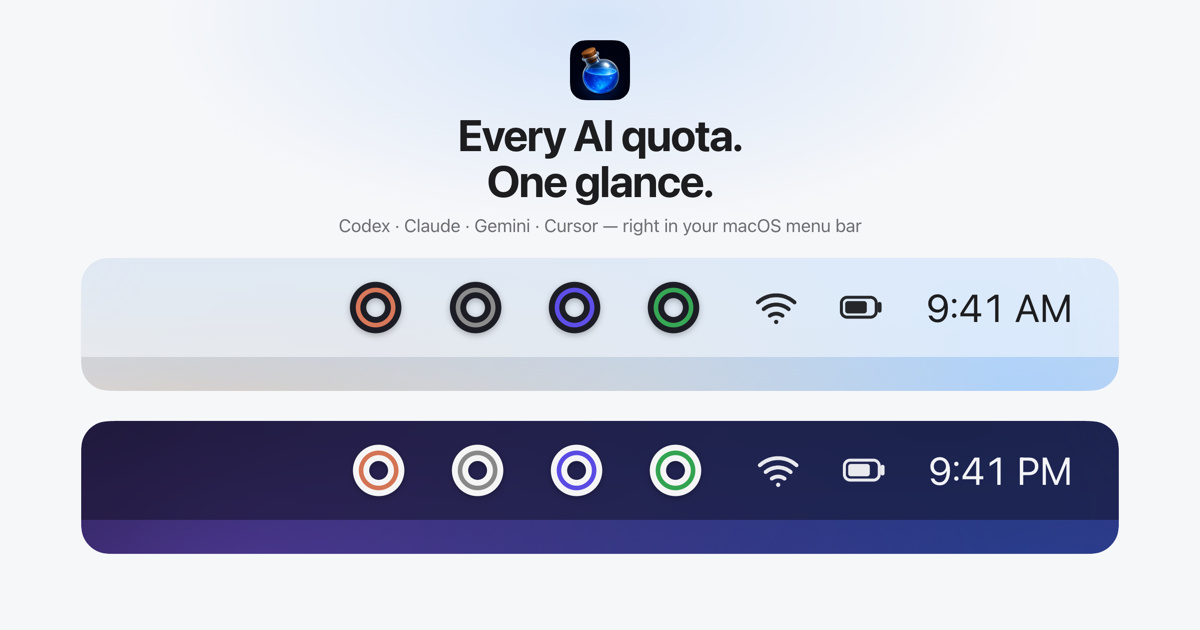
Before assigning a long coding task, it helps to know how much Codex allowance is left. Mana turns the usage limits reported for your Codex account into small menu-bar rings. Your remaining allowance stays visible while you work in an editor, terminal or another app.
See up to two quotas per provider right in the menu bar. No clicks needed. An account with session and weekly windows can display both. Mana uses the windows and values reported for the plan; it does not assume that every account has the same limits.
Codex usage, Extra Credits and Reset Bank
- Remaining quota for the usage windows available to your Codex account.
- Reset times and countdowns in the menu, when reported.
- Extra Credits and available Reset Bank count when provided by the account.
- Workspace Monthly Credit Limit for supported workspace accounts when that balance is available.
Reset Bank is separate from an ordinary usage-window percentage. Mana shows the available bank information in its menu; displaying a bank balance does not spend a reset or make additional resets available. A missing metric may mean that the provider does not expose it for your plan.
How to see your remaining Codex quota
- Download Mana on the Mac where you already use Codex with a local signed-in session.
- Drag Mana into Applications and open it. Mana discovers the existing local Codex credentials, such as
~/.codex/auth.json. - Choose the available quota values for your rings. Open the menu to inspect credits, Reset Bank or reset times.
There is no additional Mana login. Quota checks call the vendor's usage API without running a model or sending a prompt. Credentials are used with the matching vendor API and are not sent to a Mana server.
Questions about Codex quota monitoring
What if the Codex usage page redirects or is inconvenient?
Once a supported local Codex session exists on your Mac, Mana can read the account's usage data without making you navigate that page each time. Mana does not resolve vendor account-access problems or create a new Codex session for you.
Does a different coding harness automatically work?
Mana detects the supported local Codex session. A third-party harness that stores an unrelated proxy credential is not enough by itself; do not assume that every harness writes the local authentication state Mana uses.
Can I watch Claude and Codex together?
Yes. Mana also supports Claude, Gemini, Antigravity, Cursor and Grok, so you can compare the available quotas before deciding which provider to use. It is a viewer, not a task router or a tool for bypassing limits.
Is this a token or API billing dashboard?
Mana shows the quota and credit figures available from the supported account. It does not calculate per-prompt token costs or replace a provider's billing records. It requires macOS 14 or later.
More quota viewing guides
Mana is independent software by Silent Spell, not affiliated with the AI providers. See how Mana accesses quota data.