AI quota guides · macOS 14+
See your remaining Claude quota in the Mac menu bar.
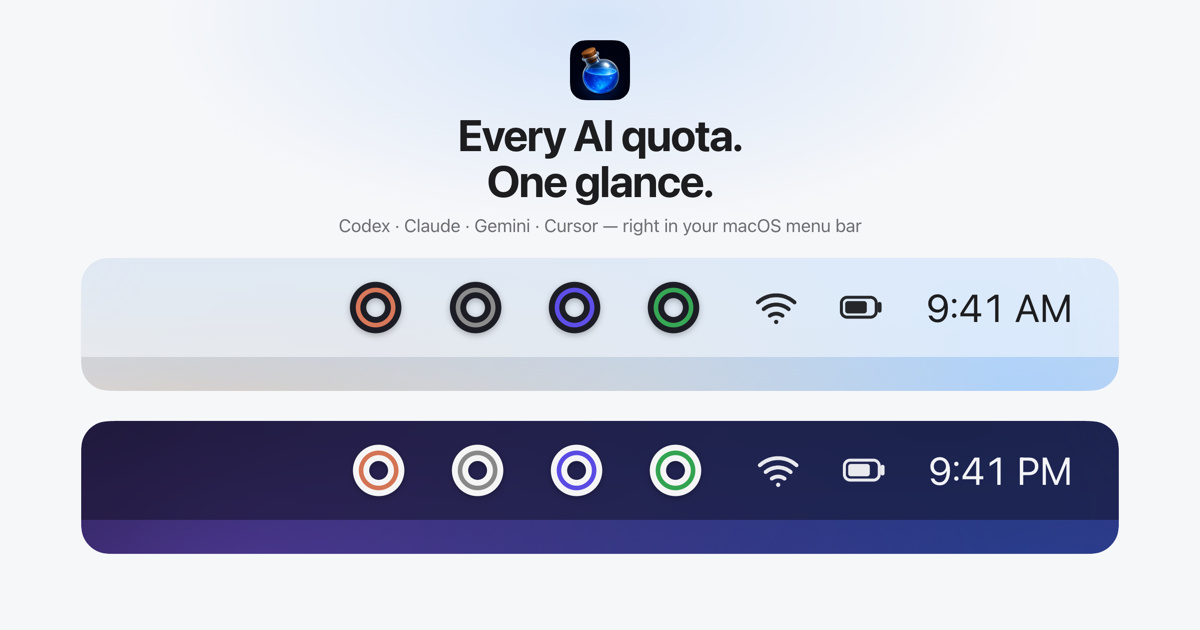
Looking for a Claude usage monitor that you can check without opening a dashboard? Mana Rings keeps your remaining Claude quotas visible as rings in the macOS menu bar.
Download Mana for MacUse the AI tools already set up on this Mac. No additional Mana sign-in.
A Claude quota tracker for the limits you actually use
If you use Claude Code throughout the day, checking an account page every time you start a task breaks your flow. Mana keeps the remaining allowance on screen, so a glance tells you whether to start a larger job or focus on a smaller one.
See up to two quotas per provider right in the menu bar. No clicks needed. For a Claude account that reports both session and weekly limits, you can select those two values for the inner and outer rings. Different limits or plans may expose a different set of values.
Which Claude usage figures can I see?
- Remaining session quota, such as the five-hour allowance when your plan reports it.
- Remaining weekly quota, including model-specific weekly limits when available.
- Reset times and countdowns in the menu.
- Extra-usage credits and Cloud Session Credits when these are enabled and reported for your account.
The menu lets you inspect additional values and choose which percentage-based quotas appear in the rings. Mana displays the figures reported by Claude; it does not increase your allowance or remove rate limits.
How to check Claude quota with Mana
- Download Mana on the Mac where you already use Claude Code.
- Drag Mana into Applications and open it. Mana reads the existing Claude Code session on that Mac.
- Select the Claude quota values you want in the menu bar. Open the menu when you want reset times or additional details.
No additional Mana account or sign-in is needed. Checking quota does not send prompts or spend model tokens. Vendor credentials go directly to the matching vendor API, rather than a Mana server.
Questions about Claude usage monitoring
Does this work with a website-only Claude login?
Mana uses locally available Claude Code credentials. A login that exists only in your browser is not detected. On a Mac where Claude Code is already set up, you do not need to sign in again through Mana.
Does Mana track the tokens spent on each prompt?
Mana is a remaining-quota viewer. It does not provide per-prompt token accounting, session cost analysis or an audit of which agent consumed each token.
Can I compare Claude and Codex before switching tools?
Yes. Mana supports Claude, Codex, Gemini, Antigravity, Cursor and Grok. Display their quotas together and decide where to assign your next task. Mana does not automatically route tasks between providers.
Can I use the Claude quota tracker on Windows or Linux?
Mana is a Mac app and requires macOS 14 or later. It does not run on Windows or Linux.
More quota viewing guides
Mana is independent software by Silent Spell, not affiliated with the AI providers. See how Mana accesses quota data.